

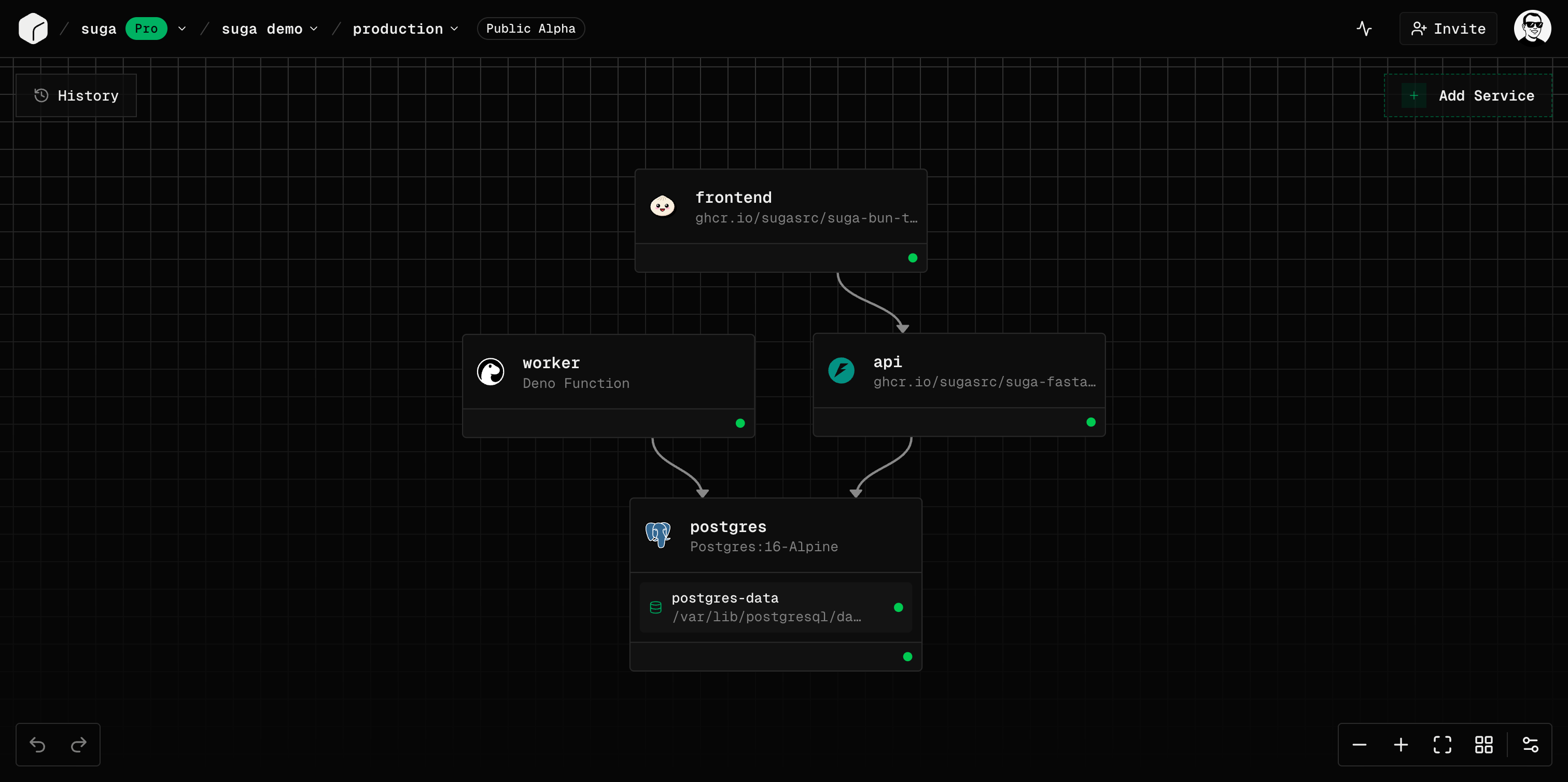
Hierarchy
Suga organizes infrastructure in a clear hierarchy:The Mental Model
Think of Suga as applications, not servers:- You design what you want to run (services and volumes)
- You don’t manage where or how it runs
- You focus on configuration and connections
- Suga handles provisioning, networking, and orchestration
Kubernetes powers Suga under the hood, but you never need to learn Kubernetes concepts or YAML files.
Key Concepts at a Glance
Organizations
Organizations are team workspaces:- The top-level entity in Suga
- Billing and subscription management
- Team member invitations and roles
- Own multiple projects
Projects
Projects are application containers:- Belong to one organization
- Have a display name you can change at any time, which does not have to be unique
- Are addressed by an internal ID, so renaming a project never changes its URL
- Contain multiple environments
Environments
Environments are isolated deployment targets:- Separate namespaces for production, staging, development
- Each has its own services and volumes
- Independent configuration and secrets
- Share the same project structure
Preview Environments (automatic PR environments) are coming soon in a future release.
Deployments
Deployments are immutable snapshots:- Capture complete infrastructure state at a point in time
- Include all services, volumes, configuration, and networking
- Tracked in deployment history for rollback
- Only one deployment is active per environment
Services
Services are your running workloads:- Containers
- Functions
Docker-based service:
- Run any Docker image
- Support for public and private registries
- Configure commands and ports
- Best for existing applications and standard workloads
- Environment variables with secrets encryption
- Resource limits (CPU and memory)
- Horizontal scaling with replicas
- Public networking (HTTPS/TCP) and private networking (service discovery)
Volumes
Volumes provide persistent storage:- Block storage that survives restarts and redeployments
- Size limits vary by plan (check dashboard for current limits)
- Mount to services at specified paths
- Essential for databases and stateful applications
Networking
Suga offers two networking modes: Private Networking (Service Discovery):- Automatic DNS-based discovery
- Services communicate using service names
- Format:
service-name:port - Example:
postgres:5432,redis:6379
- HTTPS Endpoints - Port 443 with automatic TLS and domains
- TCP Proxy - Non-HTTP protocols like PostgreSQL or SSH
- Automatic load balancing across replicas
Templates
Templates are pre-configured project resources:- Vetted configurations for common services
- Auto-fill images, ports, volumes, and environment variables
- Available for databases, frameworks, and tools
- Save time with best-practice defaults
Next Steps
Explore each concept in depth:Organizations
Team workspaces and billing
Projects
Application containers
Environments
Isolated deployment targets
Deployments
Immutable infrastructure snapshots
Services
Containers and functions
Networking
Public and private networking
Storage
Persistent storage
Configuration
Templates and settings